Check the framing
A cropped head, hidden feet or an angled camera can affect the landmarks. Review both photos before generating the report.
 PoseAlign.
YOUR FIRST POSTURE CHECK
To check your posture with PoseAlign, open the free Android app, tap Start check on the Advanced check card, then add one full-body photo from the front and one from the side. Crop or rotate them if needed and tap Generate report. The report shows pose landmarks and 13 measurements, and you can export it as a PDF.
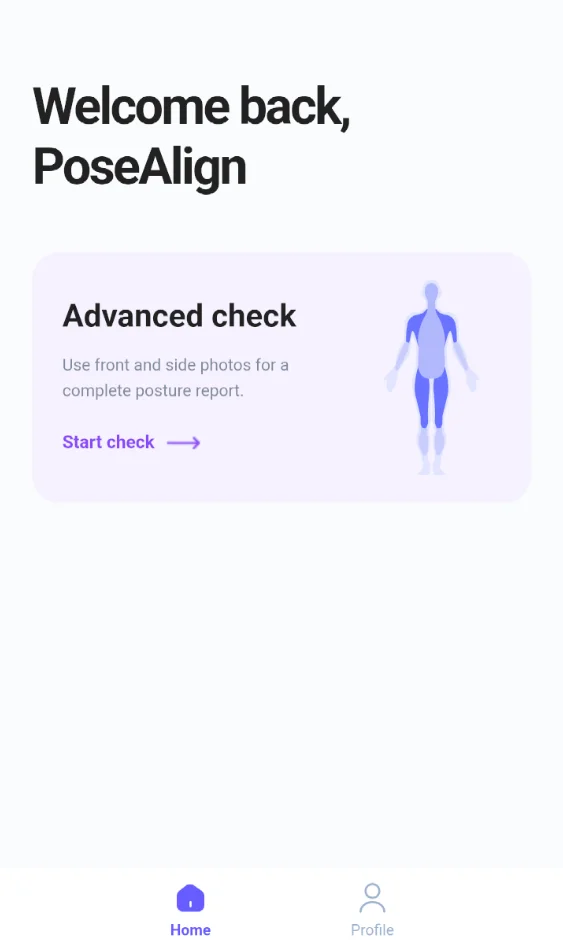
On the home screen, tap Start check in the Advanced check card. This brings you to the screen for your details and photos.
All the features shown here are included in the free version.
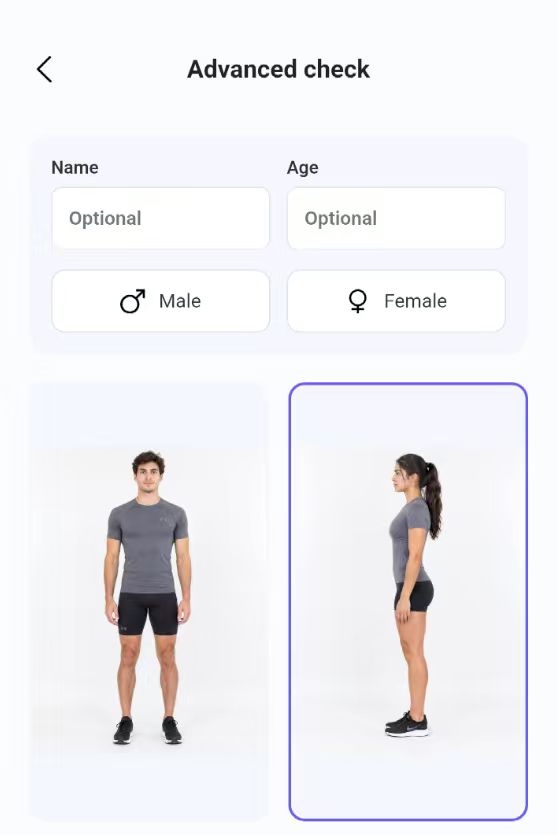
Take photos or select them from your gallery. Use the front and side photo slots, then crop and rotate as needed to keep your body in view.
The screen also includes gender selection and optional name and age fields for the report.
Tap Generate report after preparing your photos. Review the landmarks overlaid on both views, followed by the front and side measurement tables.
Front-view measurements explained · Side-view measurements explained
Use the app’s PDF export option to save your report. You can open the example report before creating your own.
Explore the sample report ↗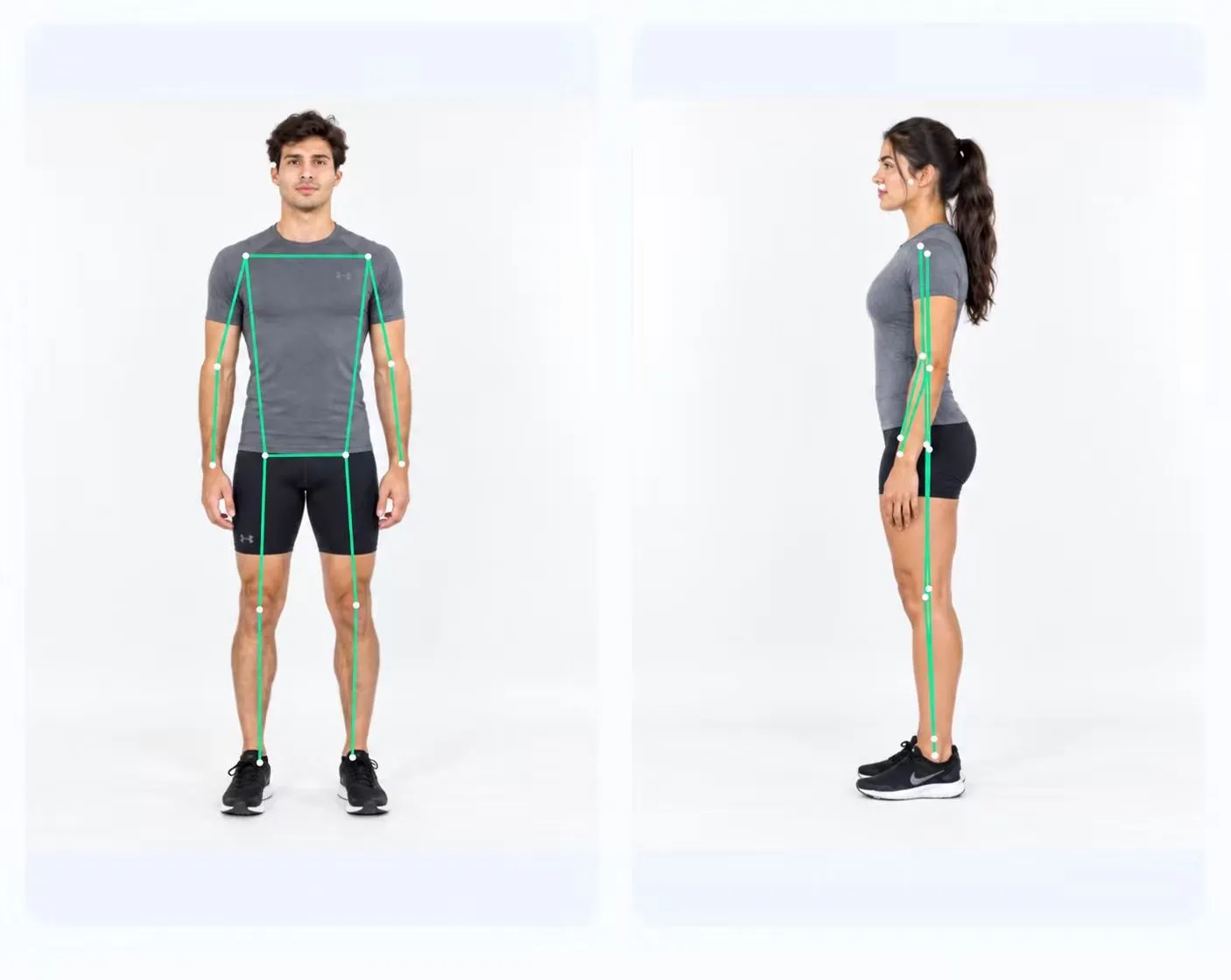
MAKE THE PHOTOS COUNT
A cropped head, hidden feet or an angled camera can affect the landmarks. Review both photos before generating the report.
Lighting, clothing and background can affect how clearly your body is visible. Choose photos where the outline is easy to see.
For another check-in, use similar camera placement, framing and stance. Different photo conditions can change the estimated measurements.
FREE ON ANDROID
Two photos. A visual report. No subscription.