
BLOG
How to track posture progress with monthly photos and dated PDF reports
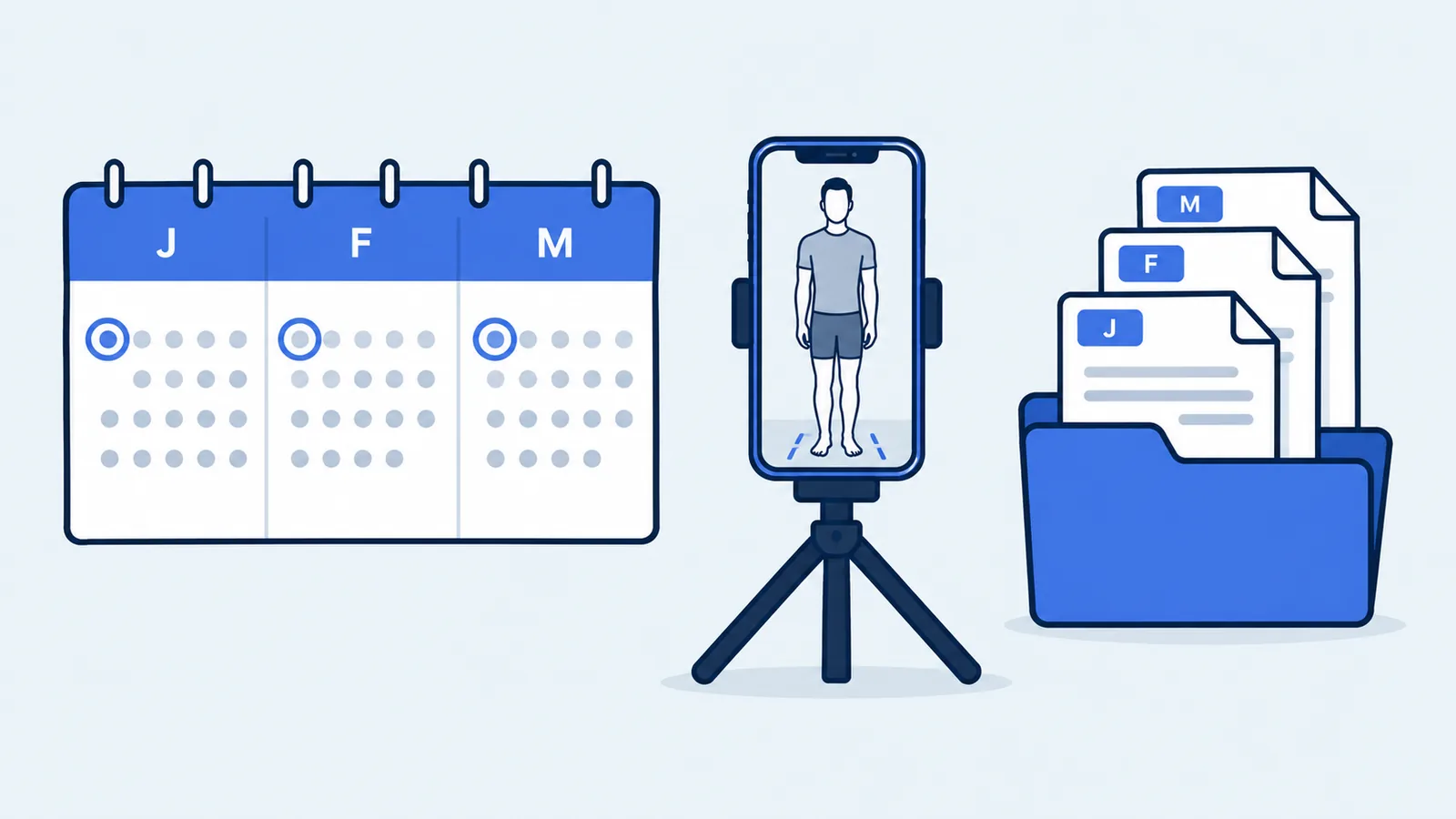
To track posture progress, take the same front and side photos once a month with an identical setup, save each PoseAlign report as a PDF with the date in its file name, and compare the reports photos first and numbers second. You keep the history yourself, in a folder of dated PDFs. The setup matters more than the schedule, because any change in how the photo was taken can show up as a change in the numbers.
Why the setup matters more than the schedule
Photo-based measurements change when the photo changes. Camera angle, framing, lighting, clothing and stance all affect the landmarks PoseAlign detects and the measurements it estimates, so a phone moved 20 cm closer or a hoodie instead of a T-shirt can make two months look different when you have not changed.
Research protocols handle this by fixing everything they can. In the validation study of the SAPO posture software (Ferreira and colleagues, 2010), the cameras sat on tripods at a set height and distance, faced the body square-on, and a plumb line gave a vertical reference. A home routine cannot match a lab, but it can copy the principle: decide the setup once and repeat it exactly.
Time of day is part of the setup. A 1985 study of eight young adults (Tyrrell and colleagues, Spine) measured an average daily variation in height of 19.3 mm, and 54% of the day's loss happened in the first hour after getting up. The reliability study of the APECS posture app scheduled every participant's visits for the same time of day. Pick one time and keep it.
Monthly is a practical interval: often enough to become a habit, spaced out enough to stay quick. Nothing in the app requires it, so choose a rhythm you will keep. If you have not checked your posture before, the ways to check your posture at home explains where photos fit.
Write down your setup once
Take the first set of photos with our step-by-step posture photo setup (phone level at waist to chest height, 2.5 to 3 m away, plain wall, fitted clothing, your usual stance). Then write a short setup note on your phone, so every later month is a copy. Record:
- the room and wall, with tape marks for your feet and the phone's spot
- the phone's height and its distance from your foot marks
- the lens (main 1x camera, no zoom) and orientation
- the light: which lamps, or which daylight conditions
- the time, for example within an hour of getting up on the first Sunday of the month
- the outfit and footwear you keep for these photos
- which side faces the camera in the side photo
The monthly check, step by step
With the setup note in hand, each check takes about ten minutes.
- Put on the same outfit and go to the marked spot at your usual time.
- Set the phone at the marked height and position.
- Use the self-timer or ask someone to press the shutter. Take the front photo.
- Turn 90° to the same side as last time and take the side photo.
- Open PoseAlign and tap Start check in the Advanced check card.
- Add the front and side photos to their slots, cropping the same way each month and keeping your whole body in view.
- Tap Generate report and check that the landmarks sit on the right joints in both views. If one is clearly off, retake that photo.
- Tap Export PDF, rename the file with the date and save it in your posture folder.
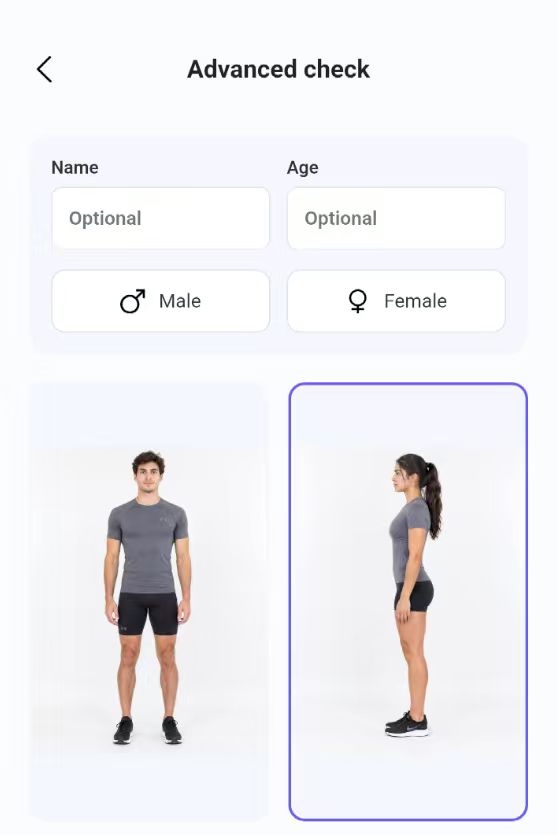
The PoseAlign walkthrough shows each screen if you need a refresher.
Name and store each PDF yourself
A dated file name turns separate exports into a series you can follow. The exported report shows the check date in its header, but putting the date first in the file name, year then month then day, makes the files sort in order in any folder:
2026-10-04-posture-report.pdf2026-11-01-posture-report.pdf2026-12-06-posture-report.pdf
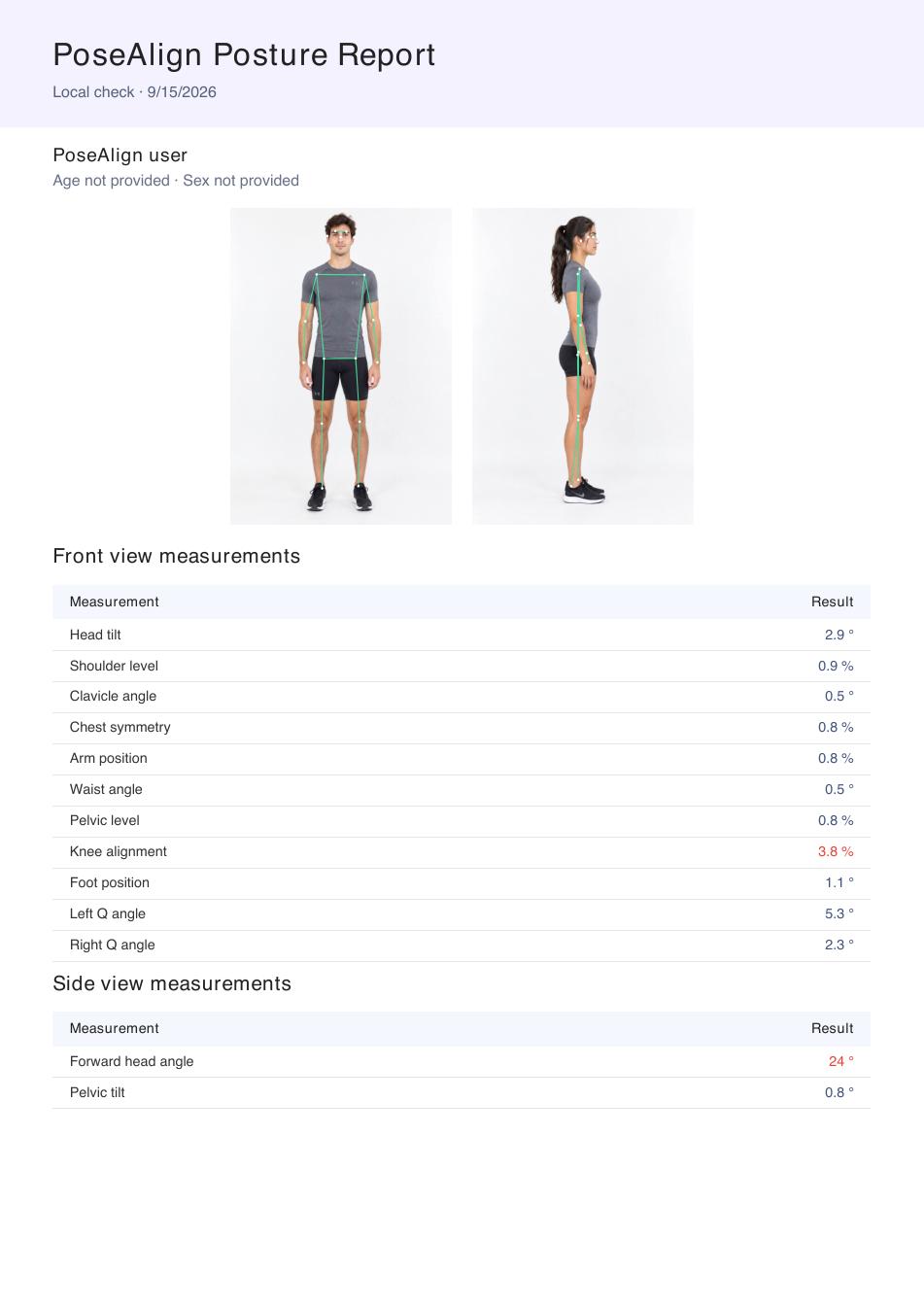
Keep the PDFs in one folder, on your phone or in a cloud folder you already use. If you also keep the original photos, store them next to the PDF with the same date prefix. If something about the setup changed that month, such as a new room or different clothing, add a short dated note so you remember it when you compare.
Compare photos first, then numbers
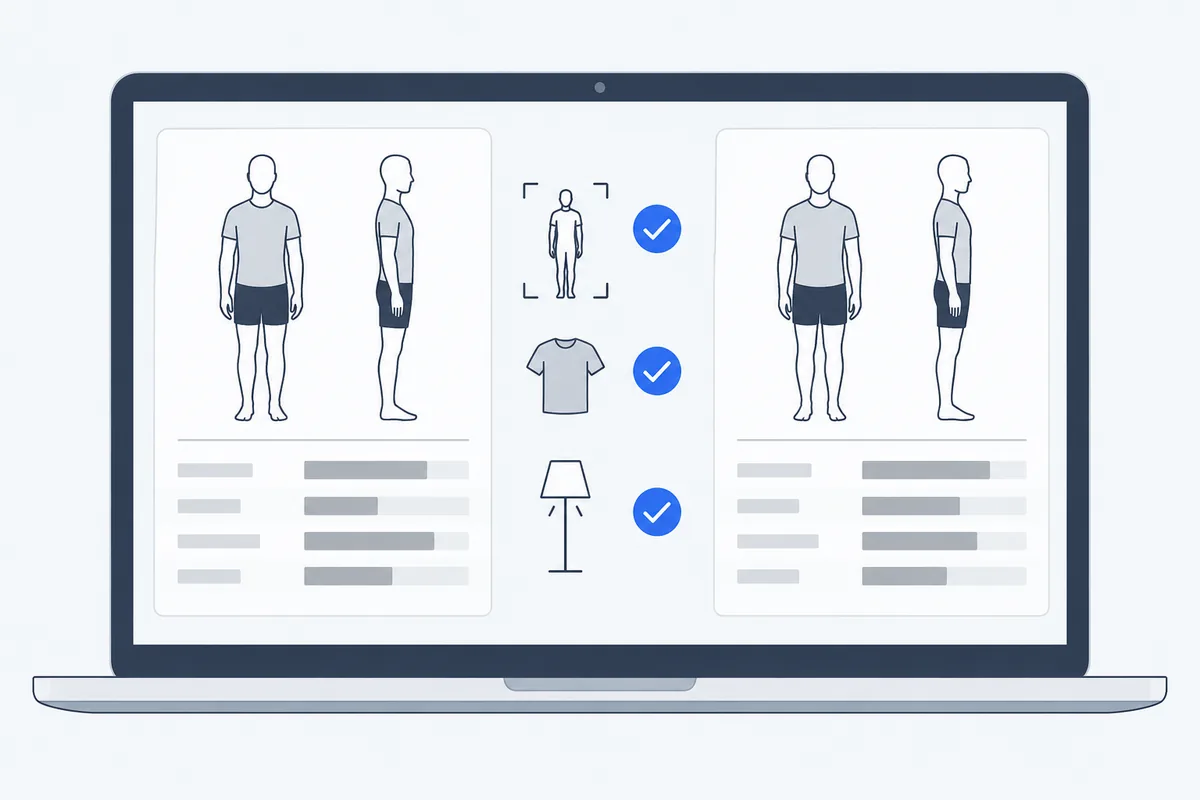
If two sets of photos were not taken the same way, their numbers are not directly comparable, so check the photos before you read any values.
- Open two PDFs next to each other on a laptop, a tablet or a phone in split-screen mode.
- Check the conditions. Is your body the same size in the frame? Same clothing, same side, same light? Note any differences.
- Look at the landmarks. Are they on the same joints in both reports?
- Then read the measurements one by one, keeping each label and its unit together. Degrees and percentages are different kinds of results and cannot be compared with each other.
Over several months, a simple spreadsheet shows changes more clearly than flipping between files. Use one row per check, one column per measurement you care about, and a notes column:
| Date | Forward head angle | Pelvic tilt | Shoulder level | Head tilt | Notes on setup |
|---|---|---|---|---|---|
| Example | 12.3° | 1.6° | 0.9% | 2.9° | Values from PoseAlign's example report, shown for format only |
| Your next check |
The front-view and side-view pages list all 13 measurements if you want to add columns.
Read changes with care
A single month-to-month difference tells you little on its own. Posture varies between days even when nothing has changed: the authors of a 2016 study of the PostureScreen app with 10 adults saw posture differ between visits and name energy level, recent exertion and temporary discomfort as possible reasons. Small shifts also come from breathing, the moment the shutter fired or a slightly moved phone.
- Look for a pattern across several reports rather than reacting to one.
- Discount months where the setup changed; that is what the notes column is for.
- Do not treat any value as a diagnosis. The report does not define normal posture, a highlighted result is not a medical finding, and PoseAlign's exact calculations are not published.
Our guides on reading a posture analysis report and the accuracy of photo posture analysis explain what the numbers can and cannot tell you. If you have pain or other symptoms, talk to a doctor or physiotherapist rather than waiting for next month's photos.
Share the series, not a single snapshot
If you work with a physiotherapist or trainer, a dated set of PDFs taken the same way gives them more to work with than one report. Send the files together with your setup note, so they can judge whether the photos are comparable. Our guide on sending a posture report to a physio or trainer covers what context to add and how to protect your privacy.
To start, take this month's photos, write the setup note while the details are fresh, and put a reminder in your calendar for the same day and time next month.